 6Clubapk.org

6 Club at a glance
| APK search | 6 club apk |
|---|---|
| File from this site | None |
| Runs in | Phone browser |
| First thing you see | A notification prompt |
| Game groups counted | Eight |
| Tabs at the foot of 6 Club | Home, Activity, Promotion, Wallet, Account |
No file, no install
A 6 club apk search usually means you want 6 Club on your phone. It is already reachable there, because the screens open in the phone browser. This site keeps no APK, and you need no file to sign in or register. If a file named after 6 Club reaches you in a chat, leave it alone; this site cannot tell you what is inside it.
Allow notifications? Your call
As the 6 Club screens load, your browser pops up a question about allowing notifications. That choice is yours. It is the browser asking, and you can answer either way. If you allow them and change your mind, the browser's own settings can switch them off.
Reaching 6 Club from here
Tap Login or Register and a referral link opens 6 Club's own screen in the same browser. The platform runs it; this page records the 6 Club screens as they stood on 29 November 2026.
Phone Number or Email, then the password
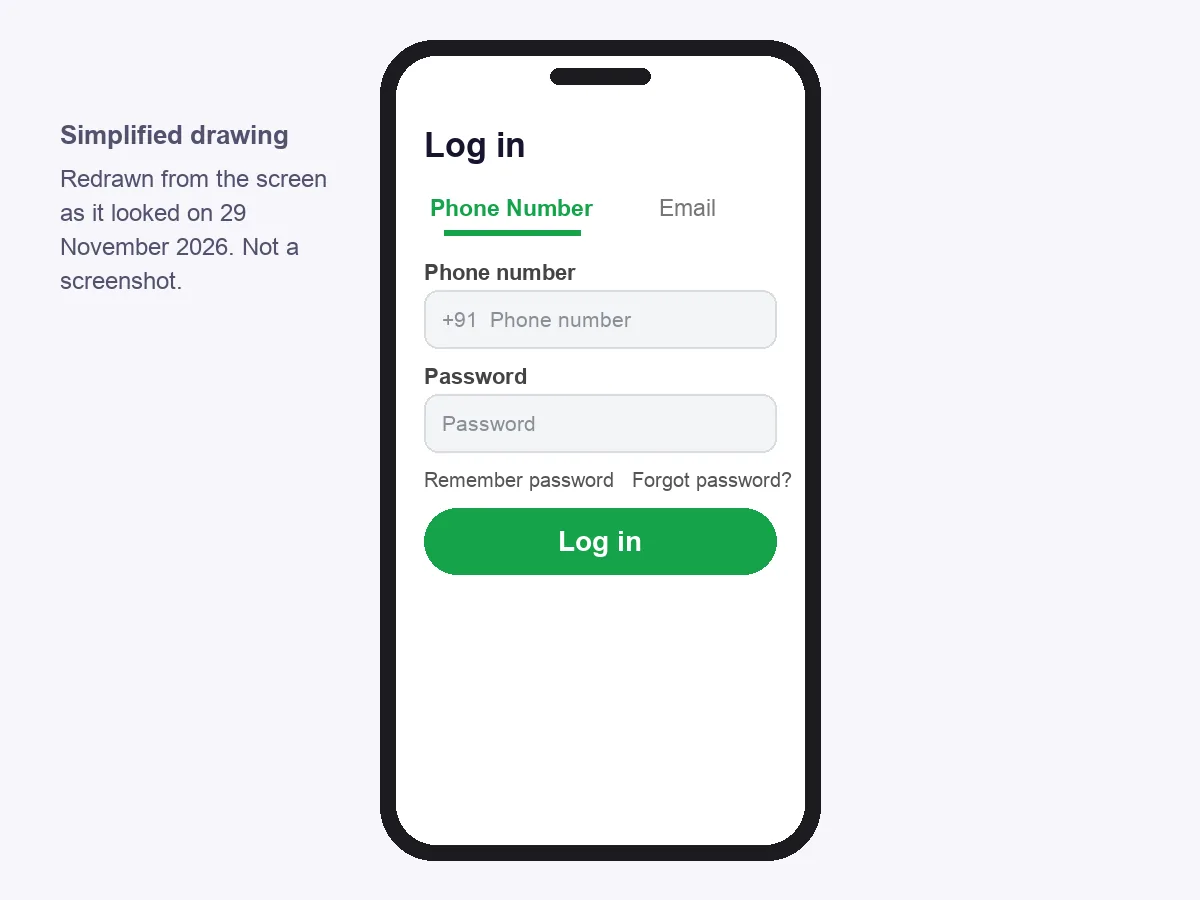
- Choose Phone Number or Email.
- Type your password.
- If it fails, use Forgot password?.
On 6 Club, too many failed passwords lead to a locked account. Keep Remember password for a phone you do not lend out.
Registering without an app
The sign-up form has a phone number box (+91 India), Set password, Confirm password and, last, an invite code that the form presents as a normal field. Joining took no SMS code. Use a number you can keep, because it becomes your sign-in.
What the browser shows after sign-in
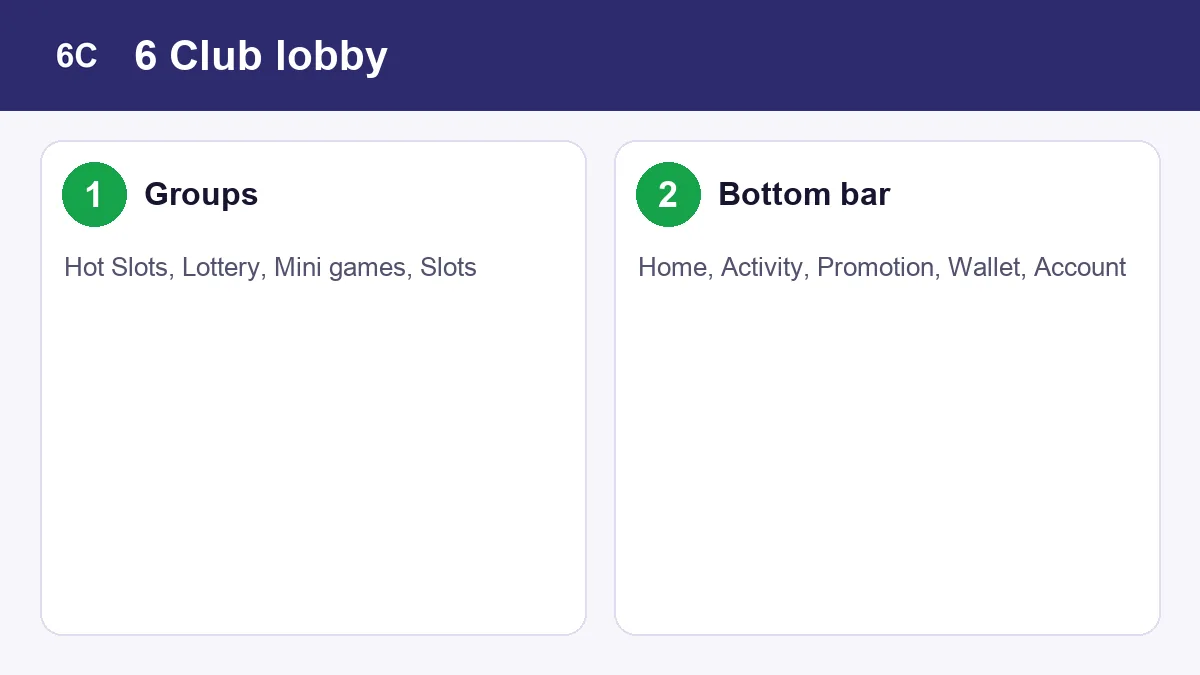
The lobby has eight groups: Hot Slots, Lottery, Mini games, Slots, PVC, Casino, Sports and Fishing. Five tabs run along the bottom: Home, Activity, Promotion, Wallet and Account. Only the labels are listed here.
A wallet tab is not a budget
Having a Wallet tab one tap away makes topping up easy. Decide your weekly amount before you open it, and do not top up mid-session. Close the tab when the amount is gone.
6 Club APK Search: The Browser Does It Instead: common questions
Can I get a 6 club apk from this site?
No. Nothing to install is offered here. 6 Club opens in the phone browser.
Should I allow notifications when 6 Club opens?
That is your choice. It is a browser prompt, and this page did not record any effect on signing in.
What is the Wallet tab?
One of five tabs on the 6 Club bottom bar. Its contents were not noted for this page.
Does 6 Club lock accounts?
Yes, after too many wrong passwords. Use Forgot password? instead of guessing.
Do I need the 6 club apk to see the Wallet tab?
No. The five bottom tabs, Wallet among them, appear in the browser once you sign in.
6 क्लब APK की ज़रूरत नहीं
6 क्लब फ़ोन के ब्राउज़र में खुलता है, इसलिए इस साइट पर कोई APK नहीं है।
खुलते ही ब्राउज़र नोटिफ़िकेशन की अनुमति पूछता है; यह आपका फ़ैसला है।
Platform details as seen on 29 November 2026. Updated 28 November 2026.